
How to host your images on Echobox
Overview
You can upload images to Echobox and use them in your newsletters templates. Images are stored within the property and can be accessed via any of your campaigns.
Uploading an image will assign it with a public URL so it can be safely displayed within emails sent via Echobox.
How to upload assets
- Click the ‘Assets’ icon in the top navigation bar
- Drag and drop your image, or click ‘+ Add’ to upload it
- Use the search bar to find assets or adjust the size of the tiles using the ‘Size’ dropdown
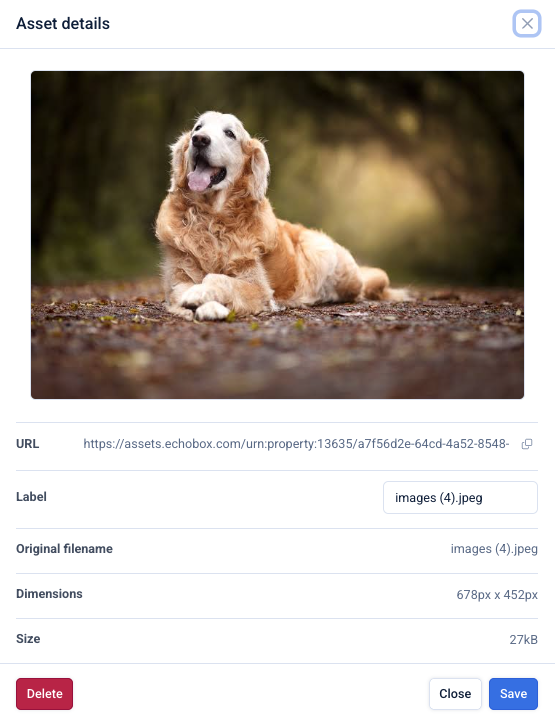
- Click on an image to:
- View image details
- Rename it using the label field
- Delete an image
How to use uploaded images
- In the Assets panel, locate the image you want to use
- Click the Copy icon to copy the image URL
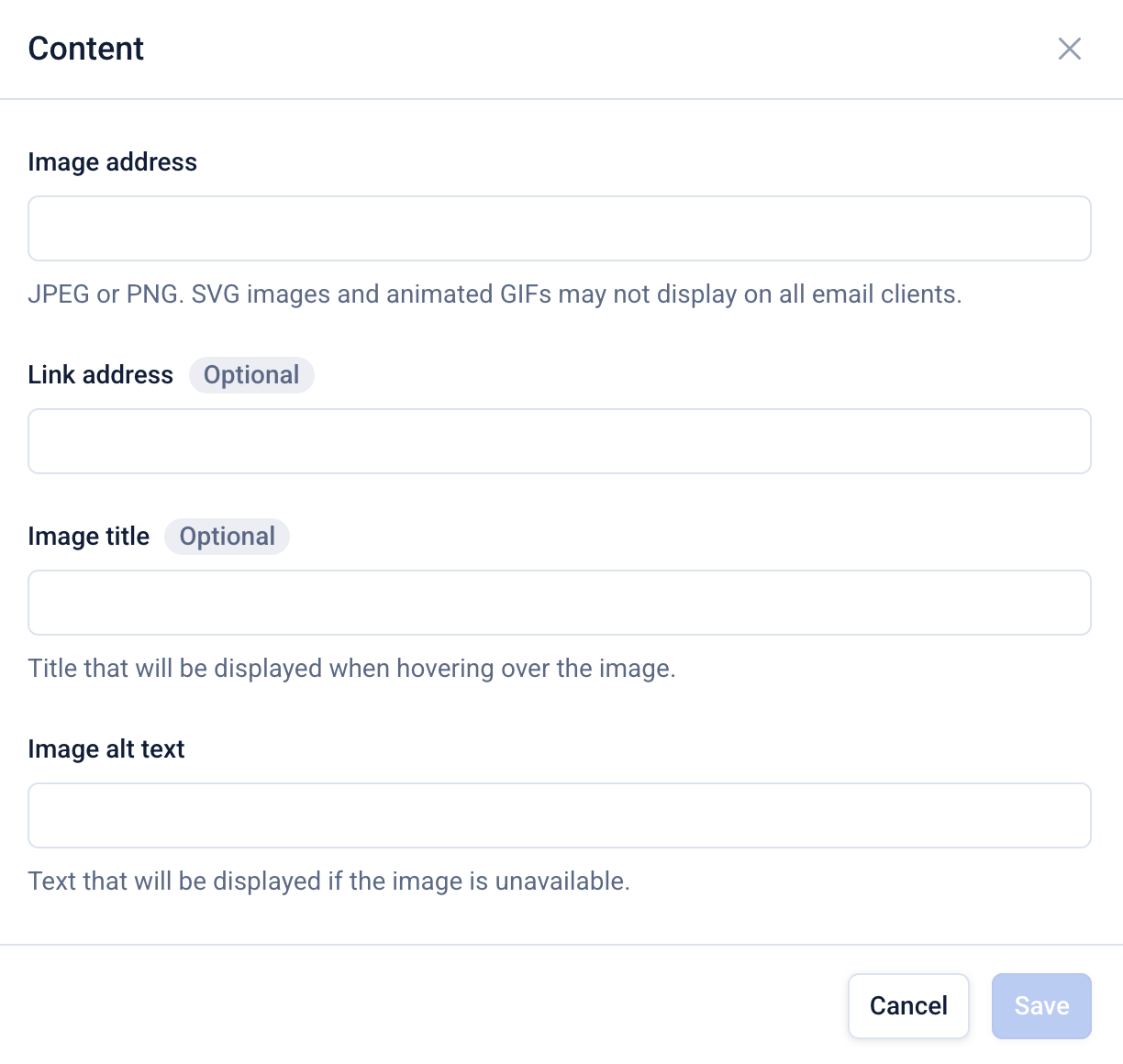
- Paste the URL into the appropriate content block in your newsletter template accessed via Settings > Content
For example, by adding it to an image block as shown below.
Supported images formats
- Images formats: JPEG, PNG, SVG, WEBP and GIF
- Maximum file size: 1GB
- Limits: No limit on the number of uploads
Note: videos are not currently supported.