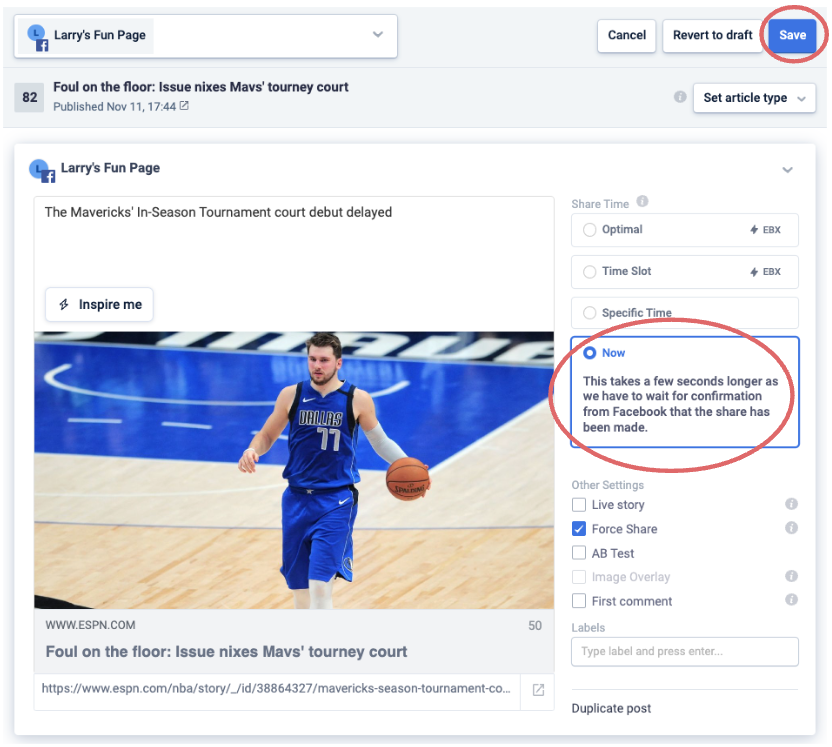
How to get content to publish immediately
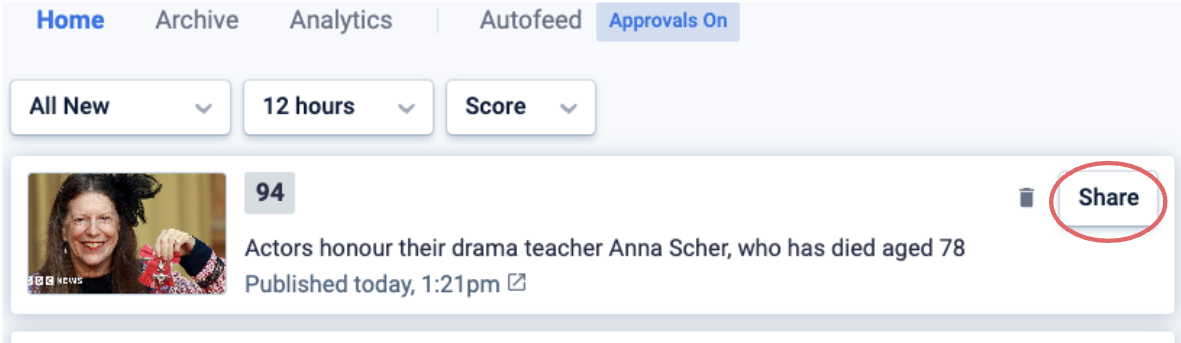
From the Home Feed
- Click on the Share button of your selected piece of content. This will open the Compose box.
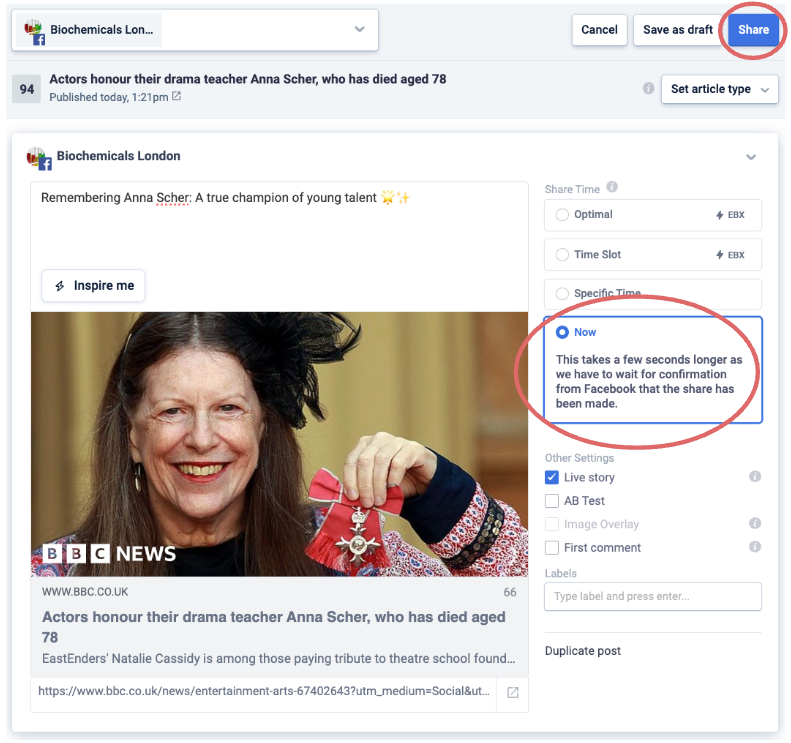
- Make sure that the share time selected is Now, then click Share.
From Approvals
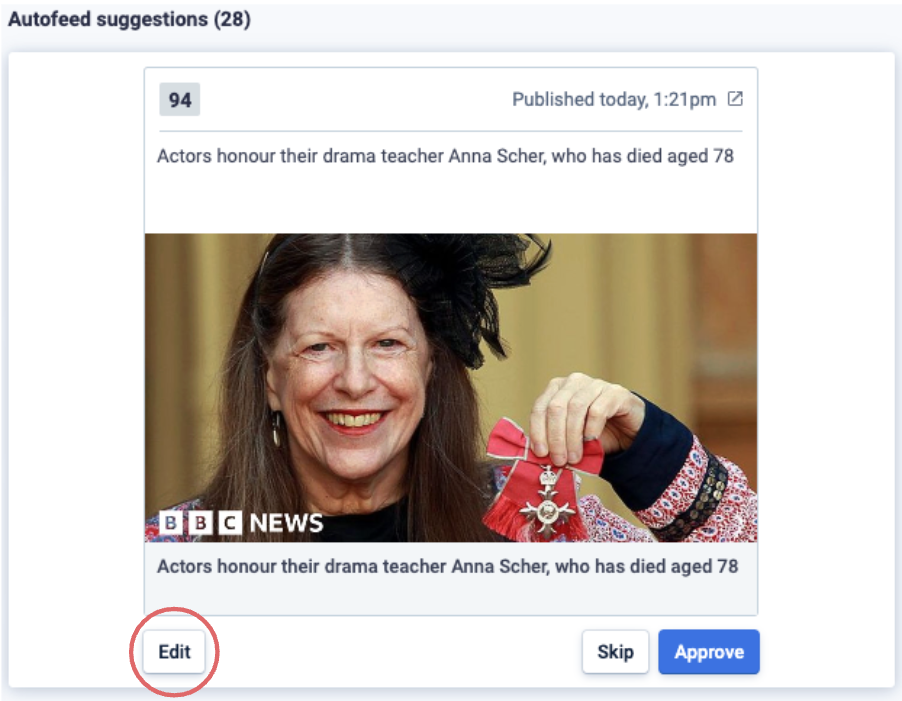
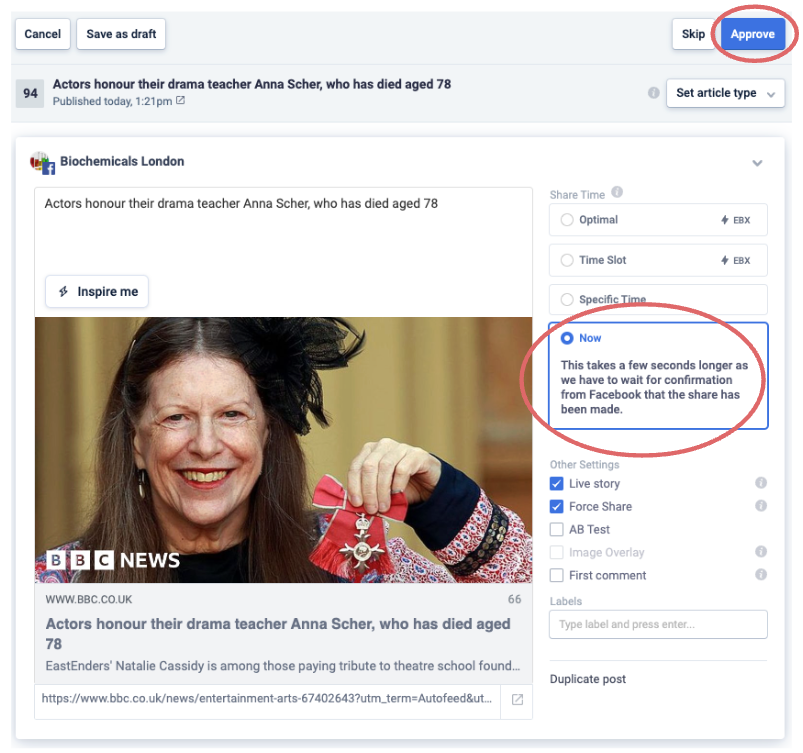
If you are using the Autofeed with Approvals on, and want to force a suggestion to be shared immediately, proceed as follows:
- Click on the Edit button on the bottom left of the suggested piece of content.
- Make sure that the share time selected is Now, then click Approve.
From the Schedule Queue
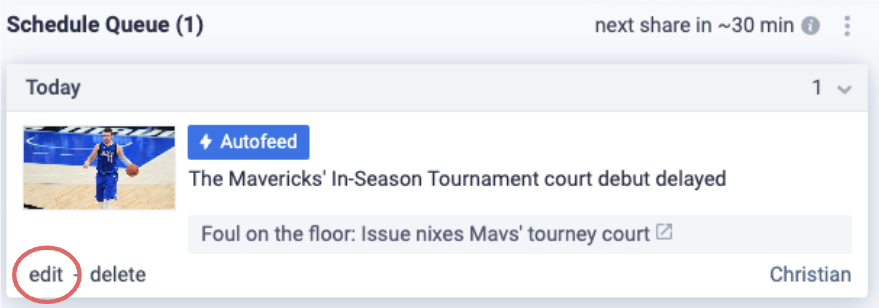
If you have the Autofeed on and wish to immediately share a piece of content which is currently in the Schedule Queue, you can proceed as follows:
- Click on the Edit button on the bottom left of the scheduled piece of content.
- Make sure that the share time selected is Now, then click Save.