
How to enable 'View In Browser'
Overview
‘View In Browser’ is a setting that allows your subscribers to click a link to view your email Editions in the browser. This allows you to offer an online version of your email to readers who may have trouble viewing messages in their email client or have image loading turned off.
‘View In Browser’ can be enabled via the campaign-level content settings for regular campaign Editions.
It can also be enabled for drag & drop templates and HTML emails by including the relevant tag in the template.
Note - if you are using a custom template built by Echobox, we’ll need to enable ‘View In Browser’ for you. Please reach out to your Customer Success Manager for help.
The ‘View In Browser’ link will be valid for 30 days and will work for all Editions including those where content personalization is enabled.
Campaign Editions
To enable the ‘View In Browser’ link for your campaign Editions, navigate to the content settings for your campaign.
You will find ‘View In Browser’ above the Body settings. To enable ‘View in Browser’ check the ‘Display link’ checkbox. To change the text you can overwrite the default ‘View in browser’ text in the input field.

The ‘View in browser’ link will now display in the preview panel for your Edition.
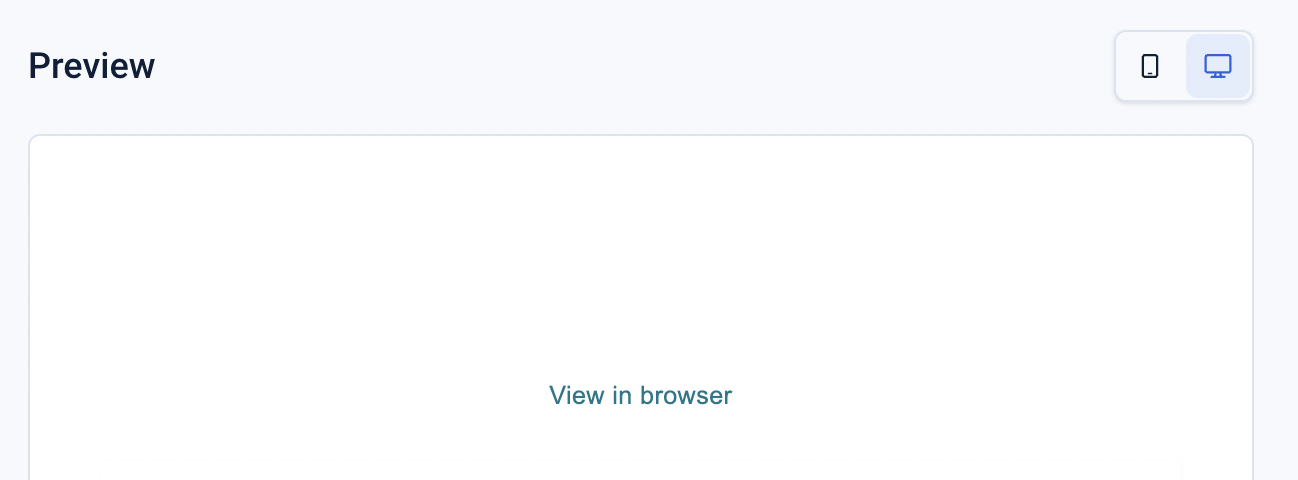
Note: the ‘View in browser’ link is clickable from the preview but will not render the Edition correctly. This is because the URL is constructed after the Edition is sent to your subscribers.
Drag & Drop templates
To add the ‘View in browser’ link to drag and drop templates, navigate to the template and insert a text block. It is common practice to include the 'View in browser' link at the top of the email.
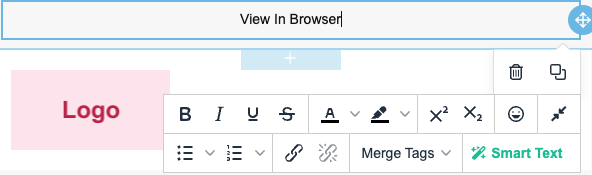
In the options panel, select the link icon.
In the URL input enter the variable $view_in_browser.
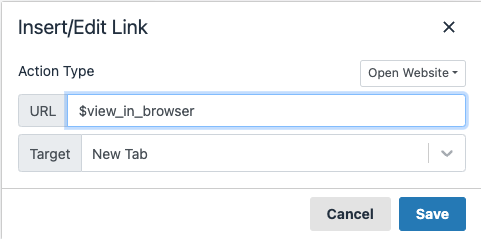
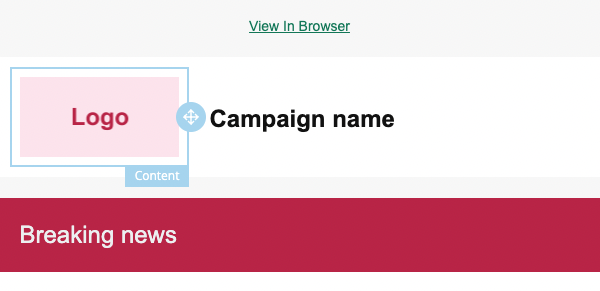
This will enable ‘View In Browser’ for Drag & Drop templates.
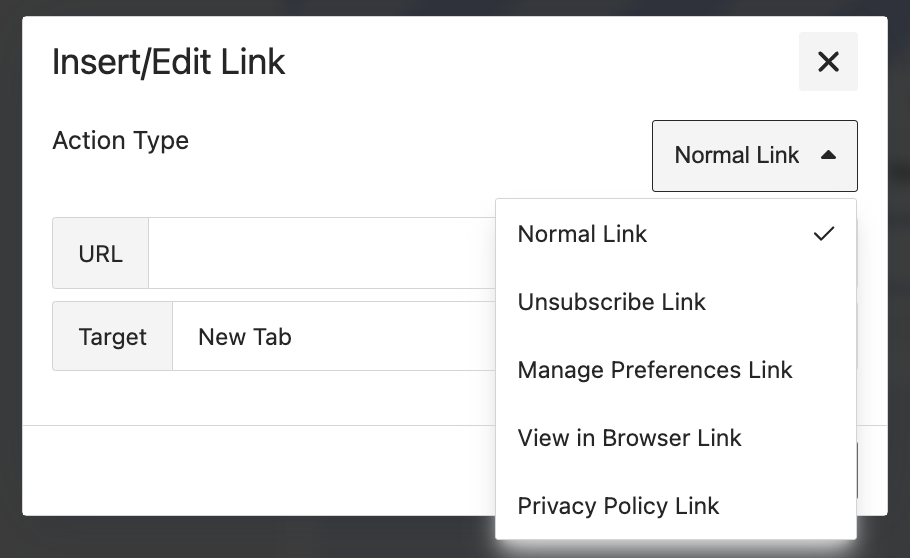
Alternatively, you can select the 'View in Browser' link option from the Action Type dropdown menu below:
HTML emails
For HTML emails, you can add the following snippet in the code to enable ‘View In Browser’.
<a href="$view_in_browser" target="_blank">View in browser</a>