
How to connect your Threads account to Echobox
How to connect your Threads account to Echobox
- Login to the Threads account that you want to connect to Echobox
- On the same device, login to Echobox and add your Threads account by
- Clicking ‘+ Add page’ in the left side bar, or;
- Navigating to Settings > Pages, opening the ‘Add page’ dropdown and clicking ‘Threads’
Confirm your Threads connection
You will be asked to confirm the connection with Echobox.
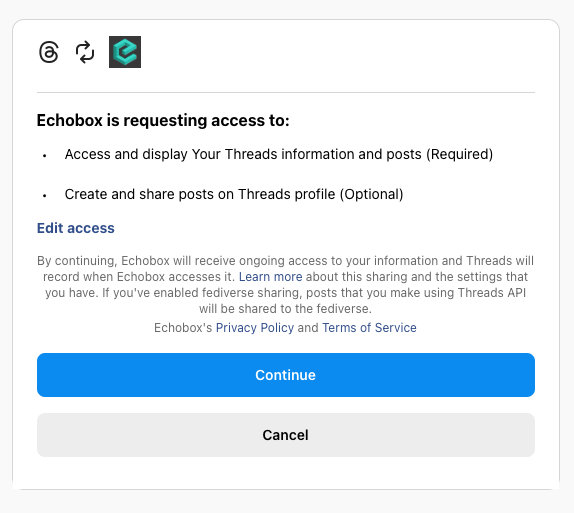
After clicking ‘Continue’, your Threads account will be connected.
Adding content feeds
You can add content to your Echobox Threads page by clicking on the 3-dot menu next to the account name in Settings > Pages and selecting ‘Content feeds’.
Connecting additional Threads accounts
To connect additional Threads accounts, repeat the steps outlined above - make sure you log out of the previous account and into the one you wish to connect next.