
How can I apply an overlay to my images?
Publishers can use Echobox to overlay the images associated with their link shares, for example to brand them with their logo, or to indicate that a story is breaking news (as in the examples below)


Users can set up an overlay image for their Facebook link posts in the Page Settings of their Facebook page in Echobox.
Here you can upload an overlay, which is applied to your share images like so:
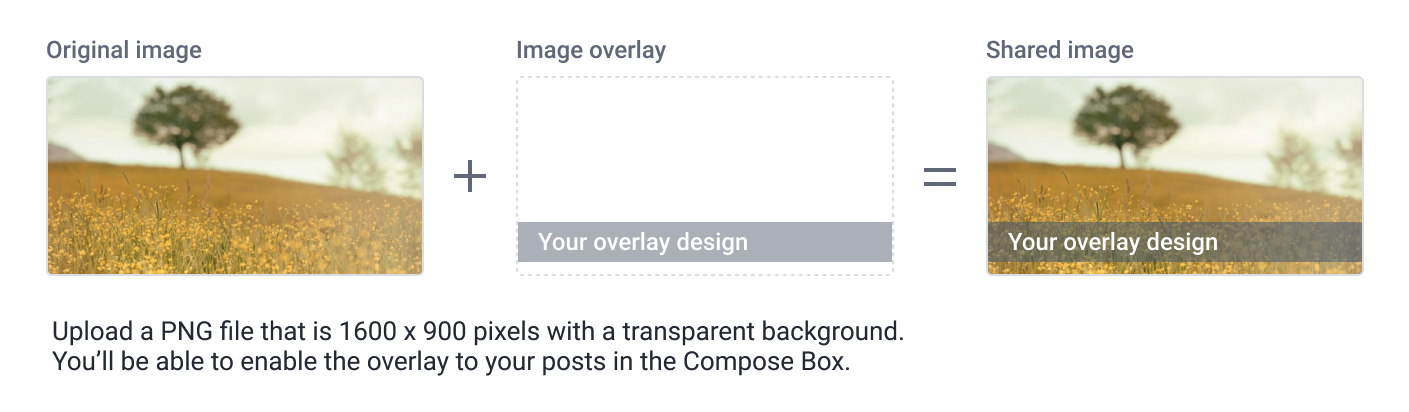
Overlay files:
-
- Must be a transparent PNG
- Must have an aspect ratio of 1.9:1
- Similar to images we recommend a minimum of 1080px wide on Facebook
With an overlay set up, you can apply it to any given share by checking the option in the Compose Box.
Image overlay is currently only available for Facebook shares.