
Echobox Email Analytics Export
Echobox provides different ways of exporting Campaign analytics to give you an overview of how your emails are performing.
Property Export
Download a single file that includes high-level metrics for every Edition sent from your Property in the last 30 days. To access this, click the Export Analytics button at the top of the Analytics dashboard and a CSV will be downloaded directly from your browser.
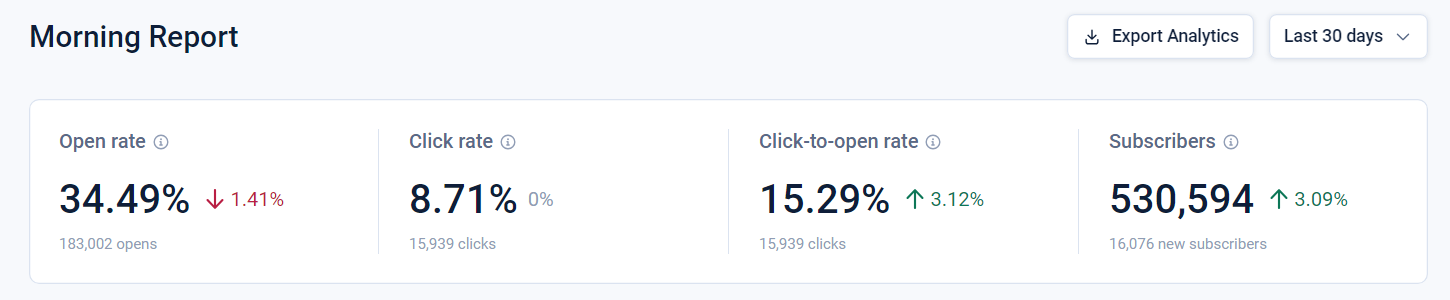
The analytics export includes the following data fields for each Edition sent within the time period:
- Campaign Name
- Edition Date
- Subject Line
- Send Time & Date
- Total Deliveries
- Total Opens
- Users who Opened
- Total Clicks
- Users who Clicked
- Unsubscribes
- Hard Bounces
- Soft Bounces
Edition Export
If you want more granular performance insight, you can export analytics for specific Editions by clicking on a past Edition where you will see an option to Export Analytics.
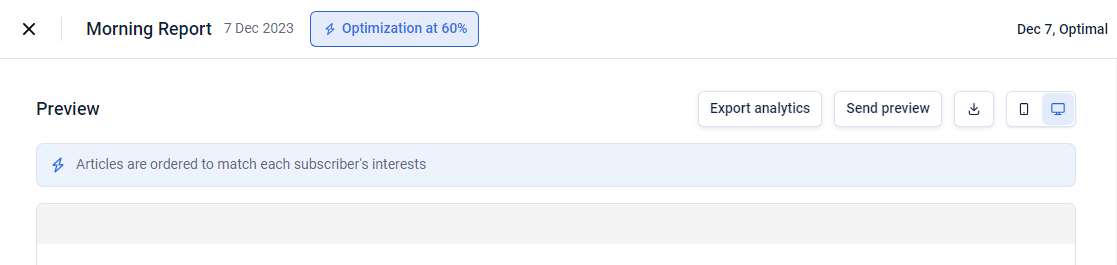
Doing so will generate a CSV export, containing a breakdown of every link in your email and the number of clicks registered against it.
FAQs
Are there any restrictions or caching of exports?
No, you can request as many exports as you like!
What's the difference between total opens and users who opened?
If a single subscriber opens the newsletter three times, it will register as one unique user who opened and three total opens.