
Changing your article layout
Video walkthrough
Overview
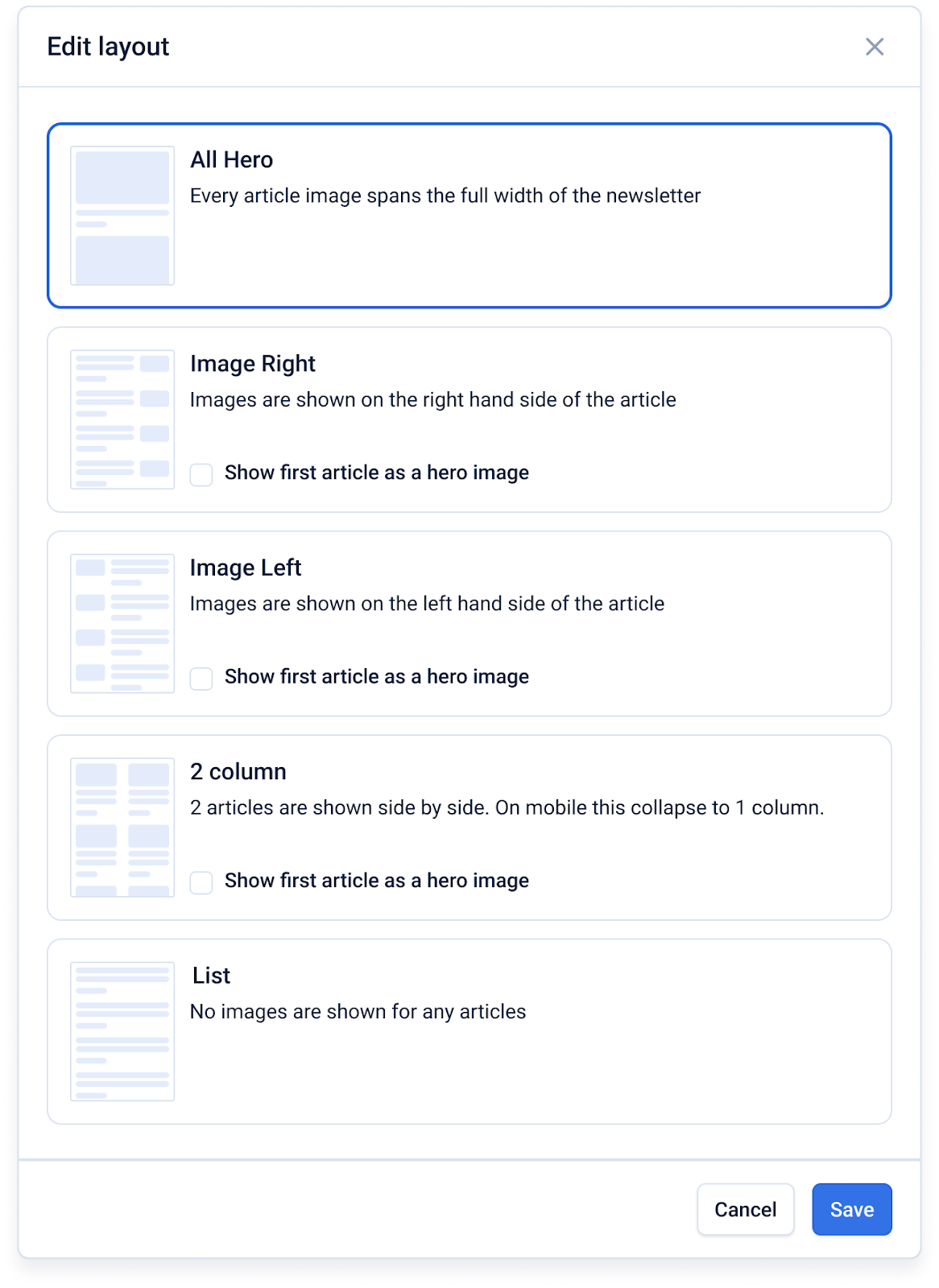
The article layout menu allows you to change the layout for each article section in your newsletter. There are 5 layouts to choose from:
- All Hero
- Image Right
- Image Left
- 2 Column
- List
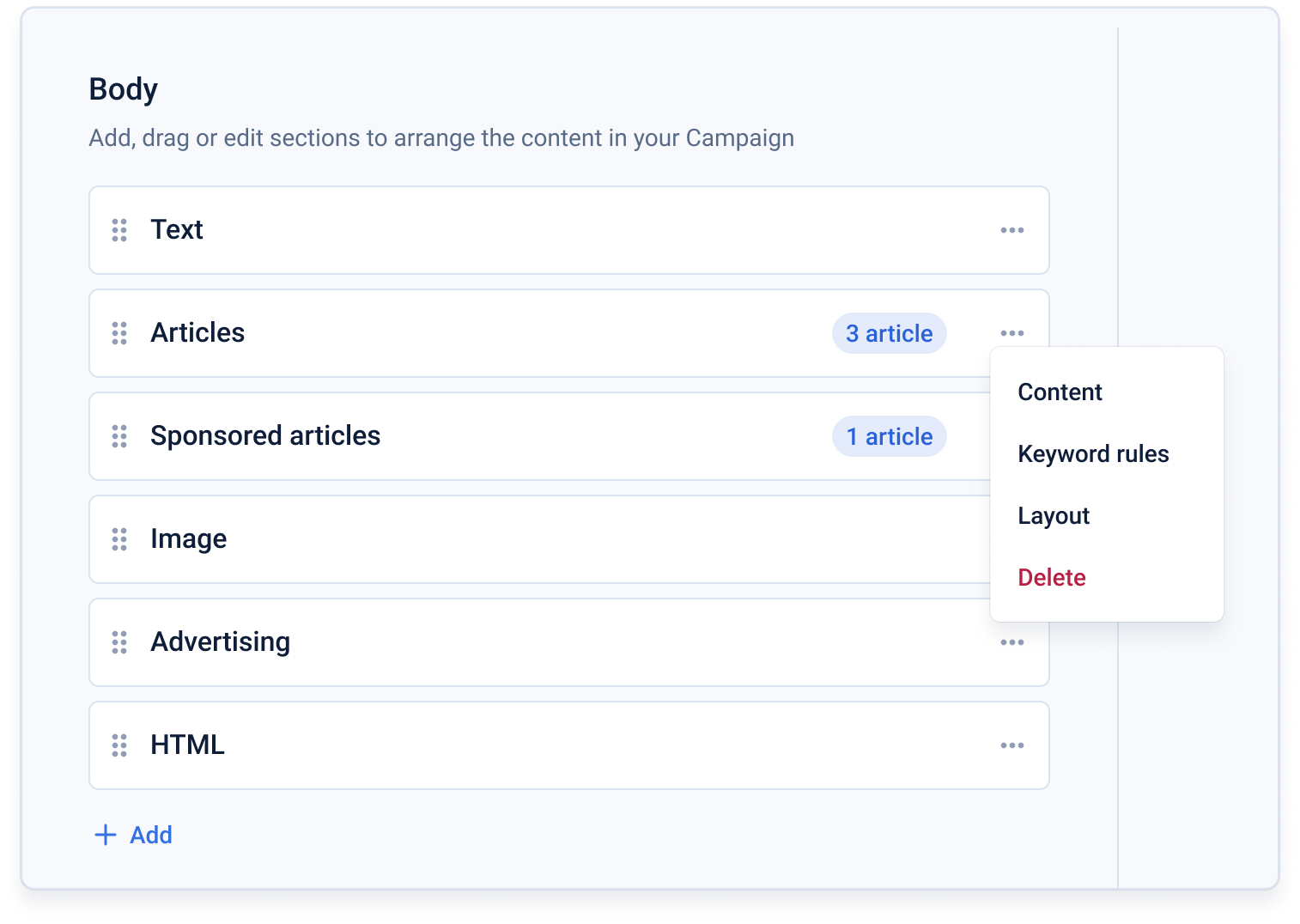
You can find the layout menu by clicking the 3-dot menu on the article block on the Content settings page.
Click ‘Save’ to reload the preview with the new article layout.
Note: You cannot change the article layout if you have a custom template.